How to Use "What Can I Cook Tonight?"
How to Use “What Can I Cook Tonight?”
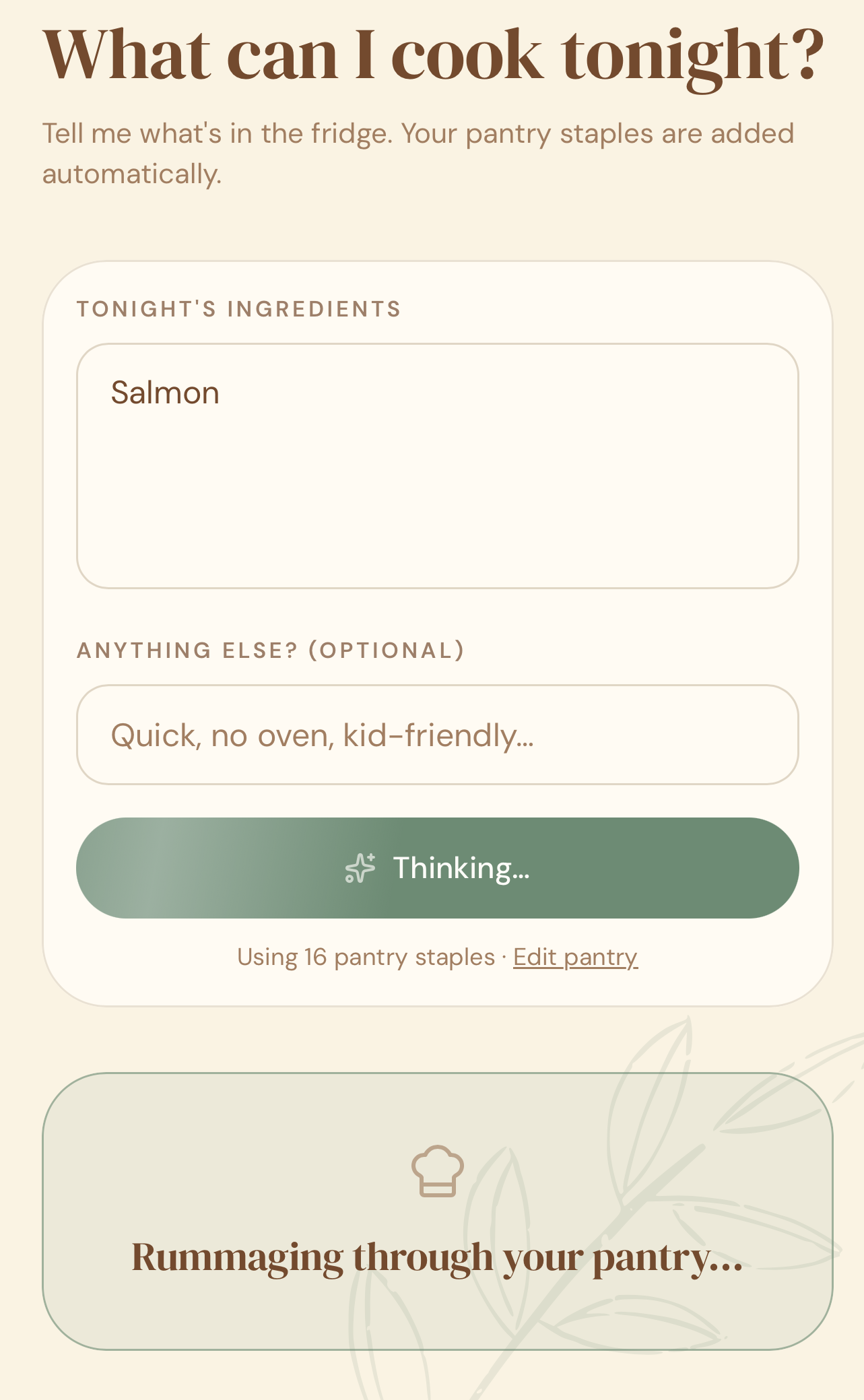
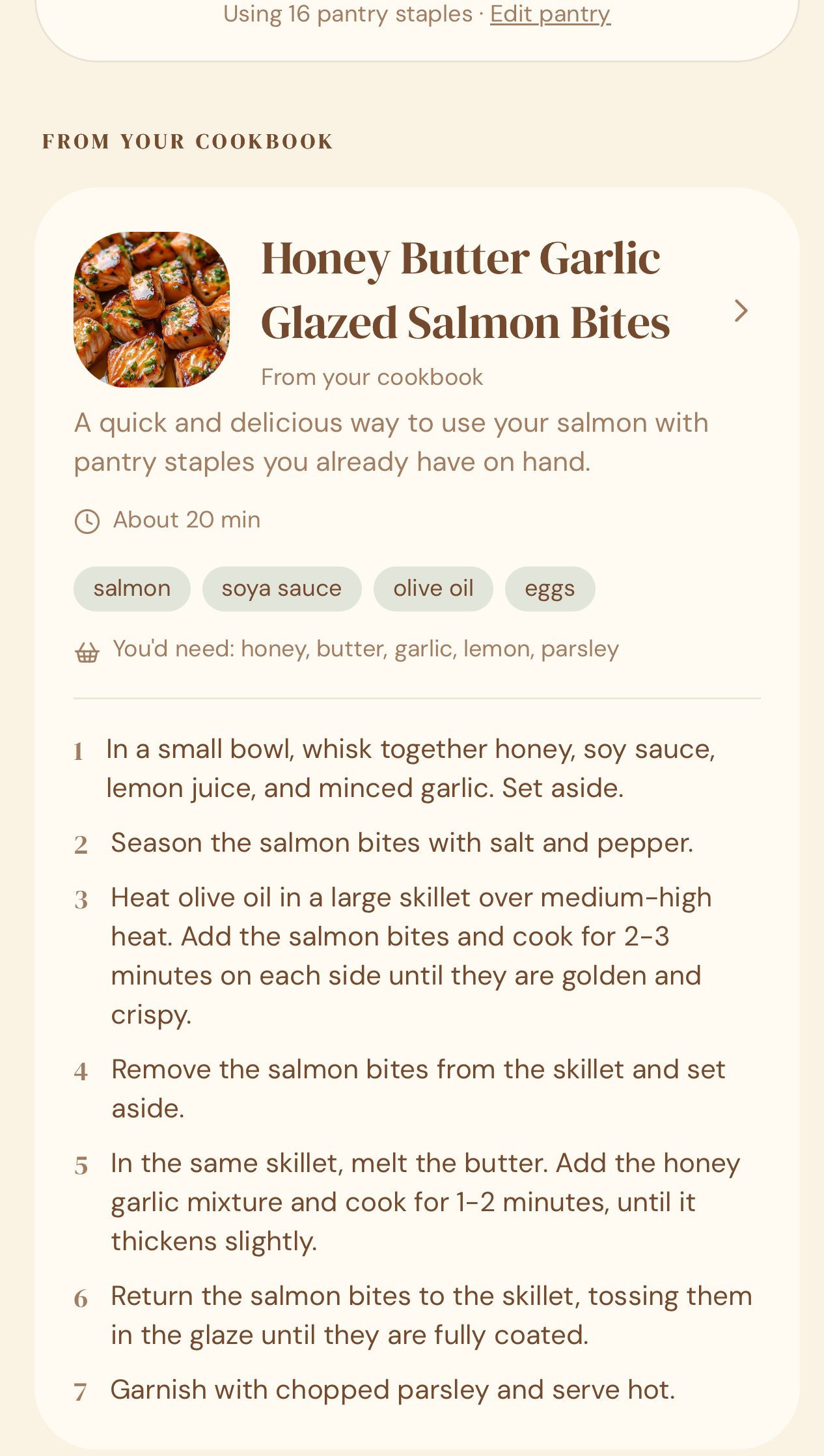
Quick answer: Go to What Can I Cook Tonight?, type in the main ingredient you’re working with (e.g. “chicken,” “salmon,” “pork”), and Crumb checks your own saved recipes first, then suggests others that fit your usual cooking style — including recipes you could make with a simple swap.
Step-by-step
- Open Crumb and go to What Can I Cook Tonight?.
- Type in the main ingredient you have — think proteins and key items like chicken, fish, or mince, rather than a full shopping list.
- Tap Suggest Dinner.
- Crumb shows you options from your saved recipes and family recipes.
- Tap any suggestion to view the full recipe.
Why you don’t need to list everything
Crumb already knows what staples you keep on hand, using your Pantry — things like oil, garlic, rice, or flour. So instead of typing out a full list every time, you just search by the one or two ingredients actually driving tonight’s decision, and Crumb fills in the rest from what it knows is already in your kitchen.
Haven’t set up your Pantry yet? It only takes a minute — see how to set up your Pantry.
The “Supplemented” badge
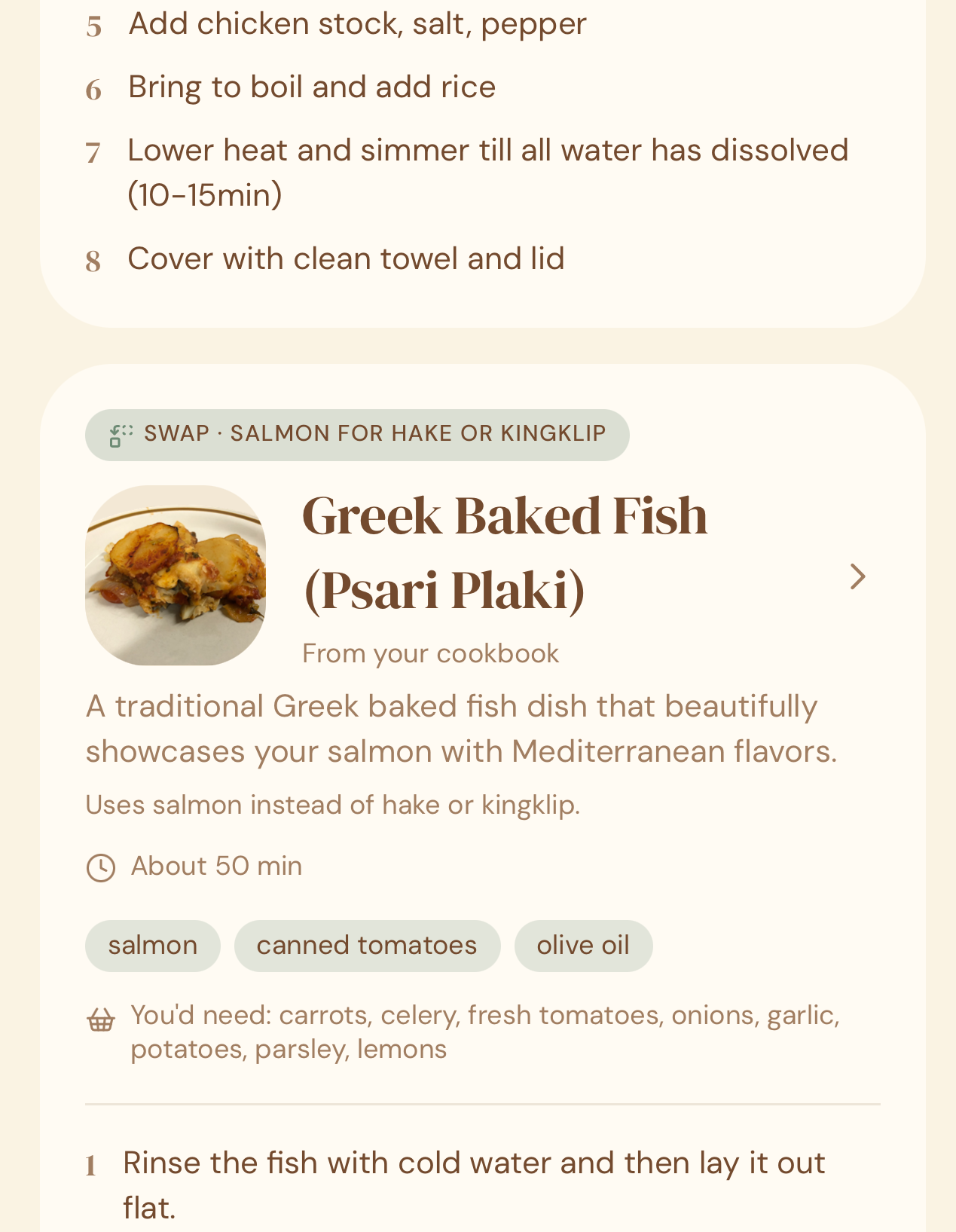
Sometimes a recipe in your library is a near-perfect match, just missing one ingredient — for example, a recipe calls for lamb but you searched for pork. In cases like this, Crumb still shows you the recipe, with a Supplemented badge, so you know it’s a close match using a sensible swap rather than an exact one.
Why this matters
Most nights, the question isn’t “what’s a good recipe” — it’s “what can I actually make with what’s already in my kitchen.” This checks your own family’s recipe collection first, so you’re using what you already have and love, instead of Googling from scratch every time.
Quick tips
- The more recipes you’ve saved, the better your “From your library” matches get.
- Set up your Pantry once so you’re only ever searching by the ingredient that actually matters for tonight.
- New suggestions are shaped by your own saved recipes and cooking history — the more you use Crumb, the more it fits your family’s actual taste.
- A Supplemented badge means a smart substitution, not an exact match — check the recipe before you shop, in case the swap changes something you care about.
- This feature counts toward your monthly AI usage — check your plan’s limits under Settings → Extraction Usage.