How to Import a Recipe from YouTube
How to Import a Recipe from YouTube
Quick answer: Copy the link to any YouTube cooking video, paste it into Crumb’s Add Recipe screen, and Crumb’s AI reads the video and pulls out the ingredients, steps, cook time, and servings for you — no typing required.
Step-by-step
- Find a recipe video on YouTube (in the app or browser).
- Tap Share and choose Copy Link — or copy the URL from the address bar.
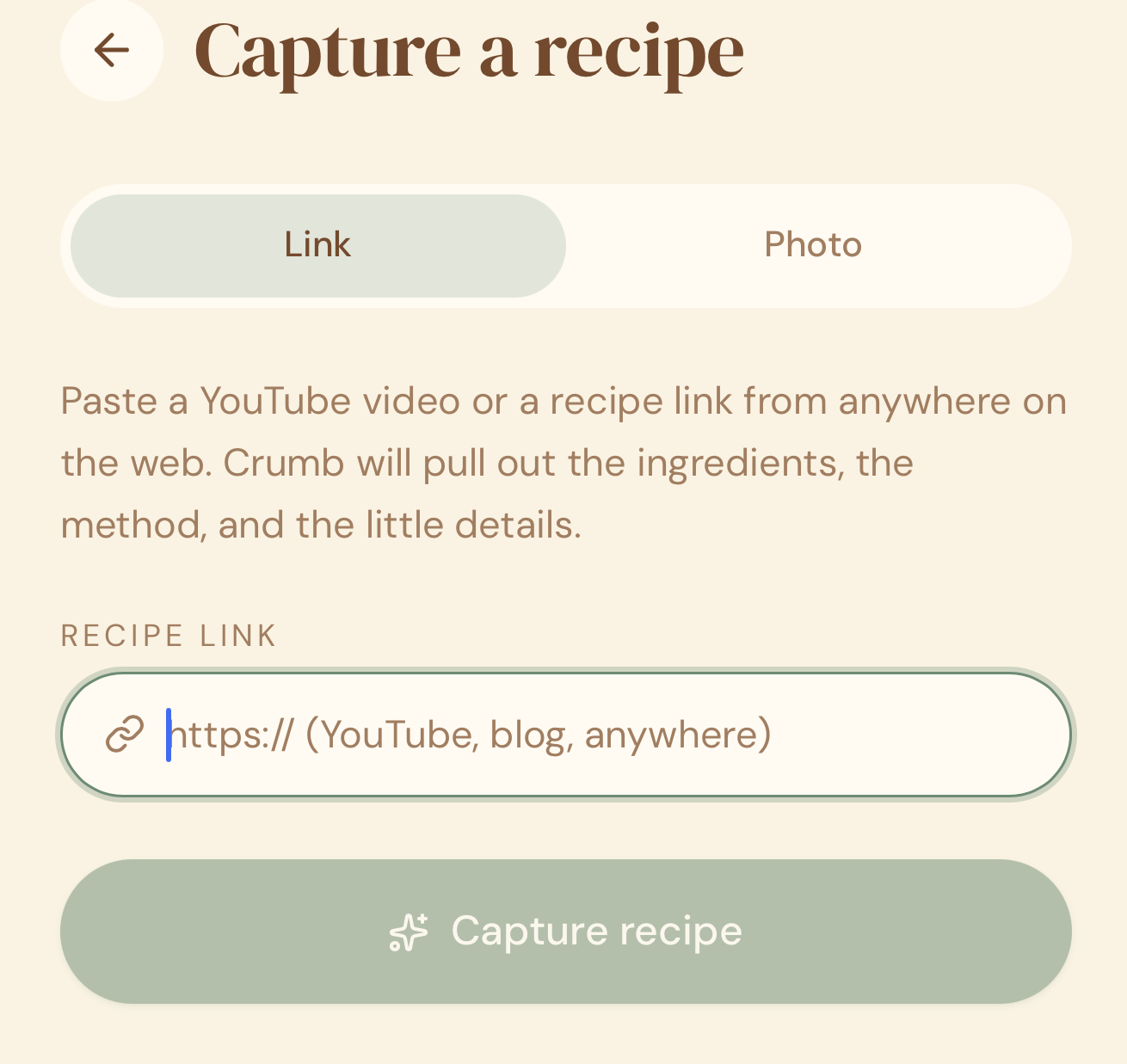
- Open Crumb and tap Add Recipe.
- Choose Paste a Link.
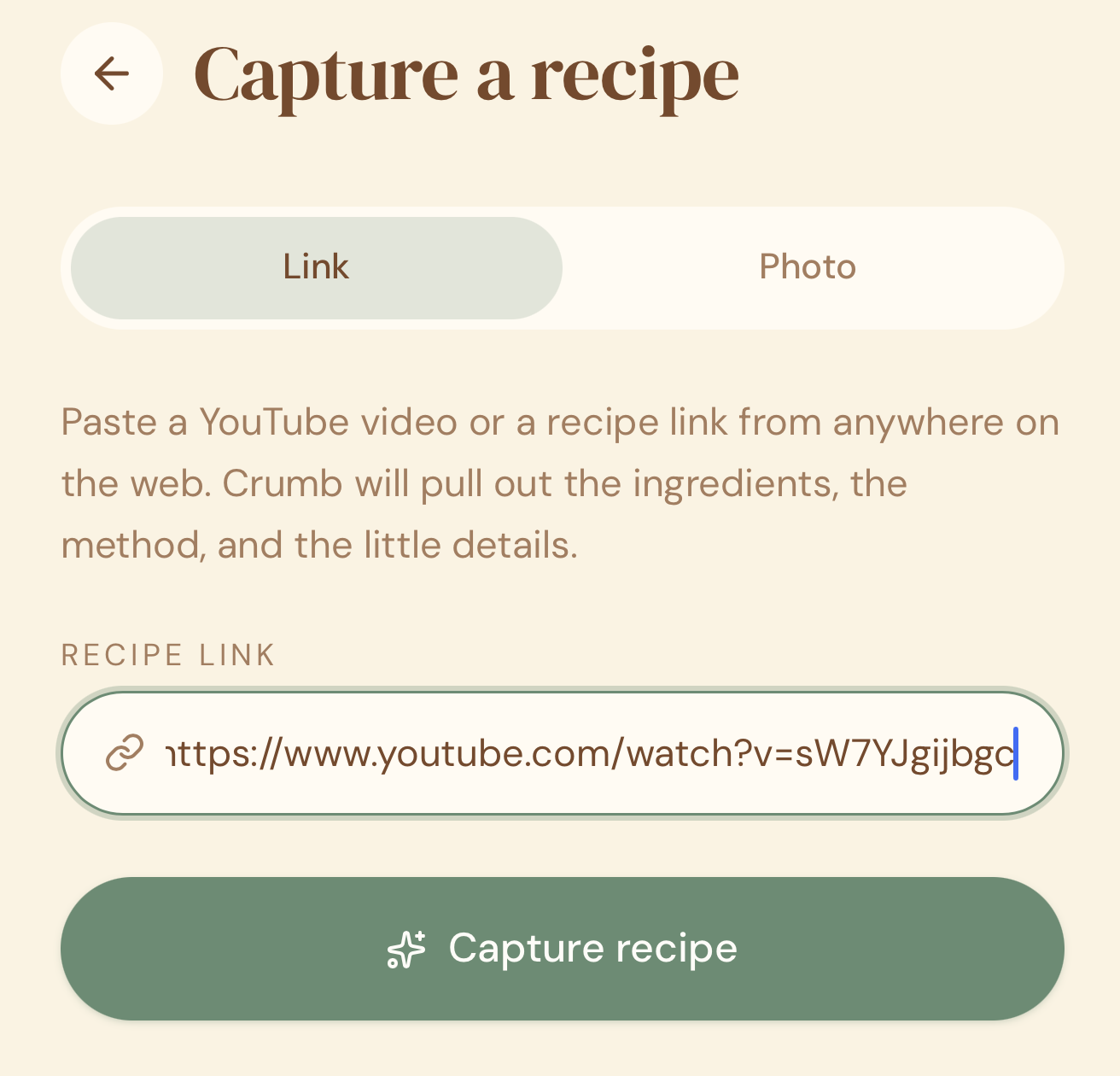
- Paste the YouTube URL and tap Import.
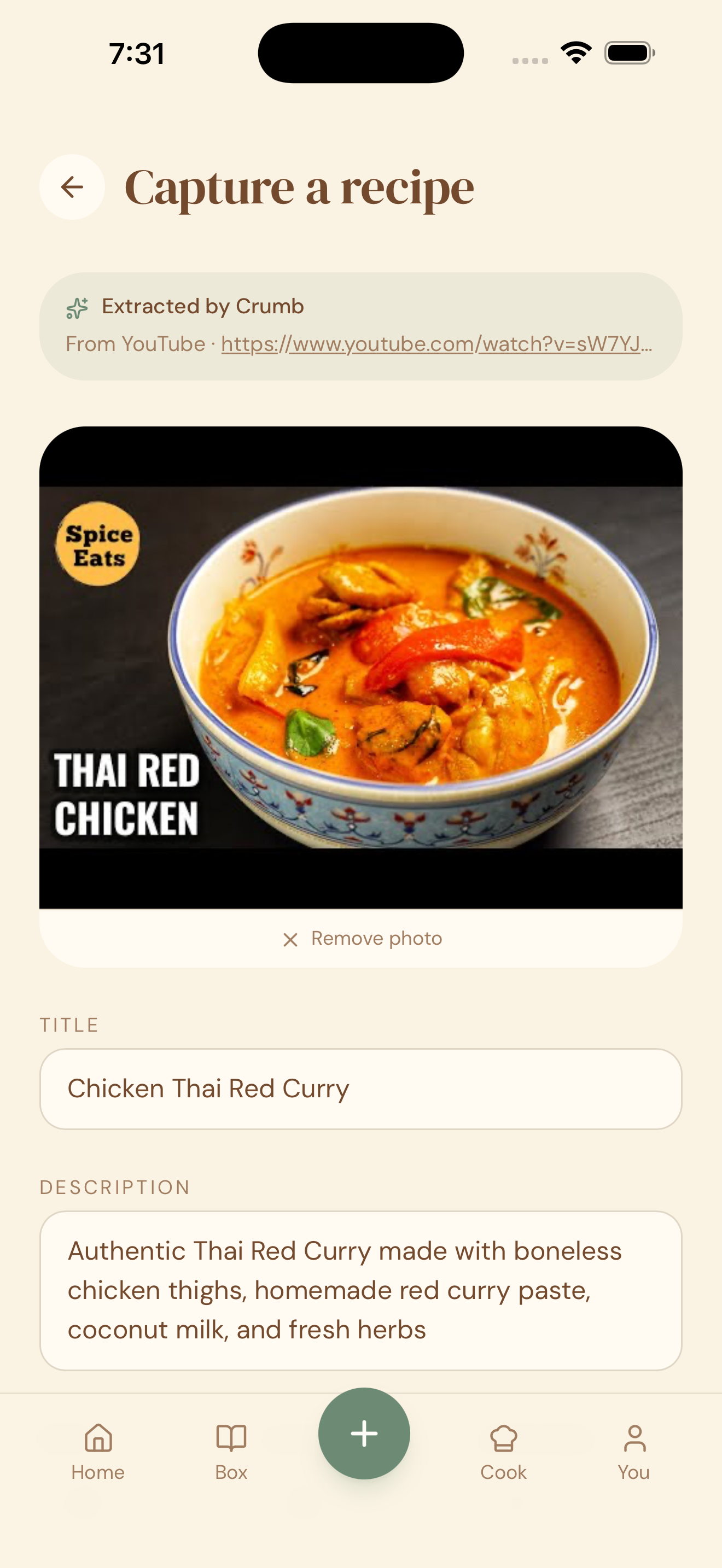
- Crumb extracts the recipe and shows you a review screen with the title, ingredients, and steps already filled in.
- Check everything looks right, make any edits you want, then tap Save.
Why this works so well
Most cooking videos say the ingredients and method out loud, or list them in the description. Crumb reads all of that for you, so you get a proper written recipe from a video in a few seconds — instead of pausing and rewinding to write it down yourself.
Quick tips
- Best results: videos where the creator states quantities clearly (in the video or the description) import most accurately.
- Always double-check quantities and times on the review screen before saving — Crumb is very good, but it’s reading a video, not a printed recipe card.
- Long videos (30+ minutes, multi-recipe compilations) can take a little longer to process, or may need manual tidy-up afterward.
- Once saved, the video’s creator is automatically credited on the recipe card.