How to Create a Shared Family Cookbook
How to Create a Shared Family Cookbook
Quick answer: Go to You then tap Family in Crumb, tap Create a Cookbook, give it a name, and you’ll get an invite code to share with anyone you want to add. Everyone who joins can see and add to the same shared collection of recipes.
Step-by-step
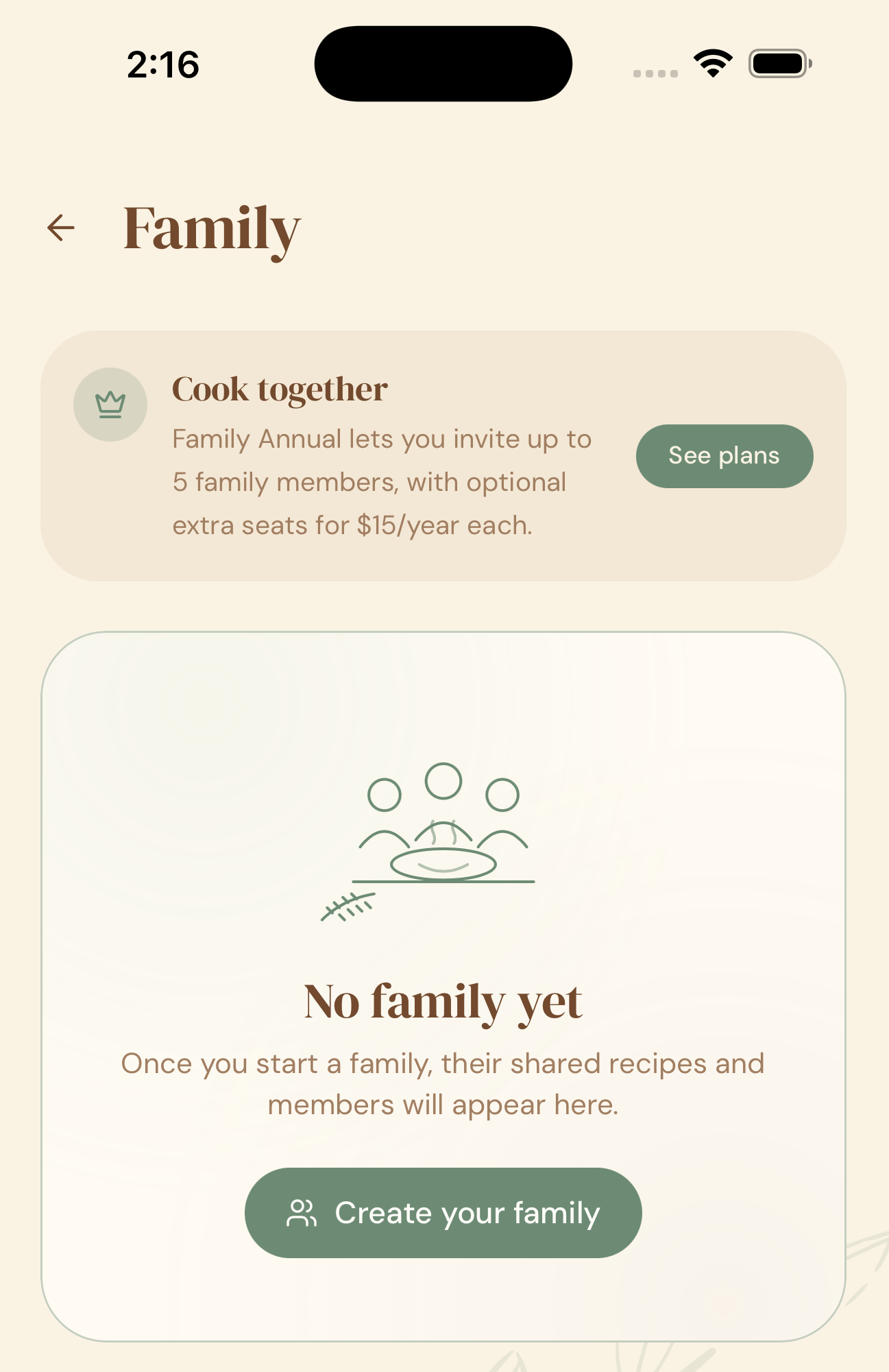
- Open Crumb and go to You and then Family.
- Tap Create your Family.
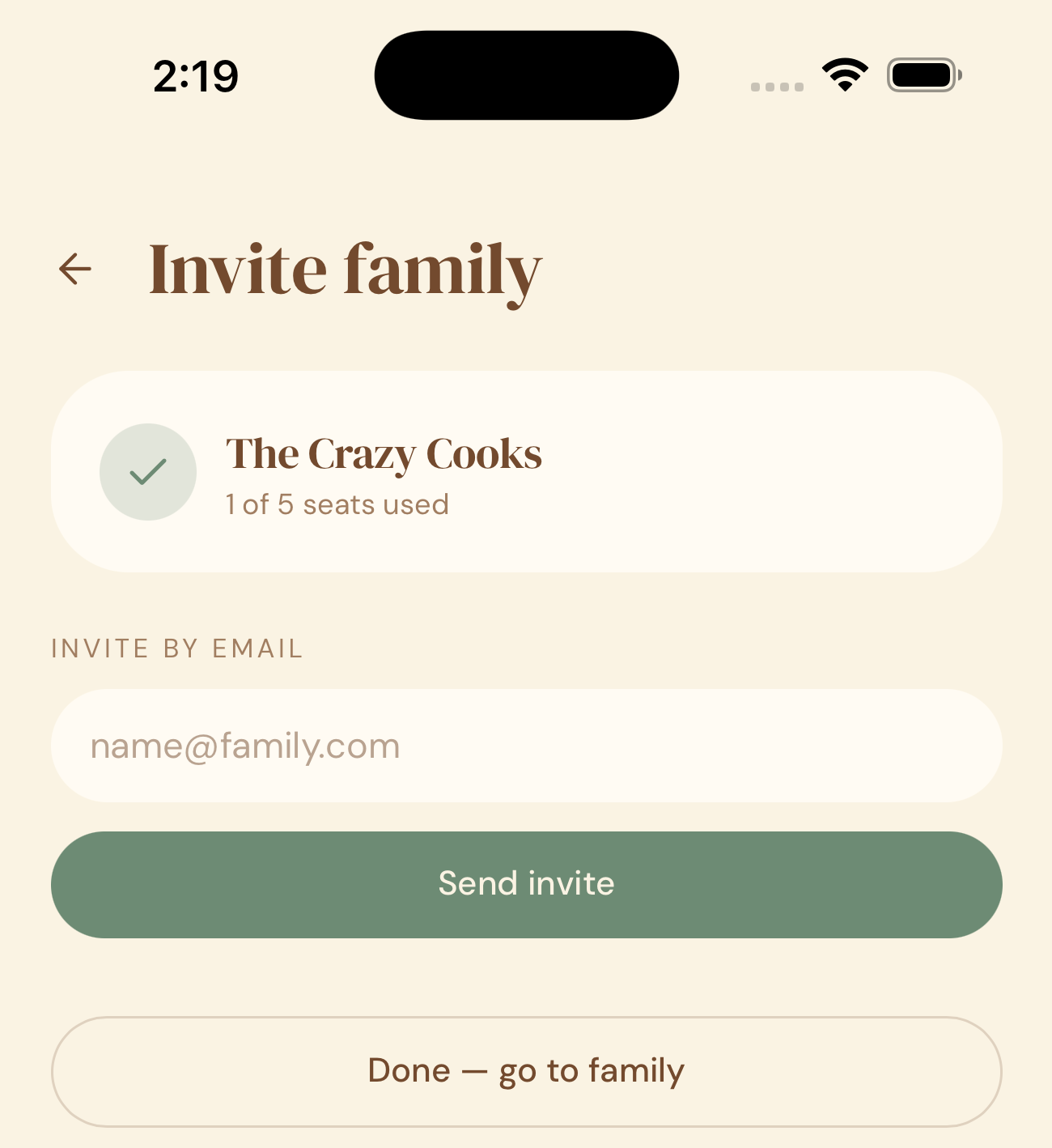
- Give your cookbook a name (e.g. “The Smith Family Cookbook”).
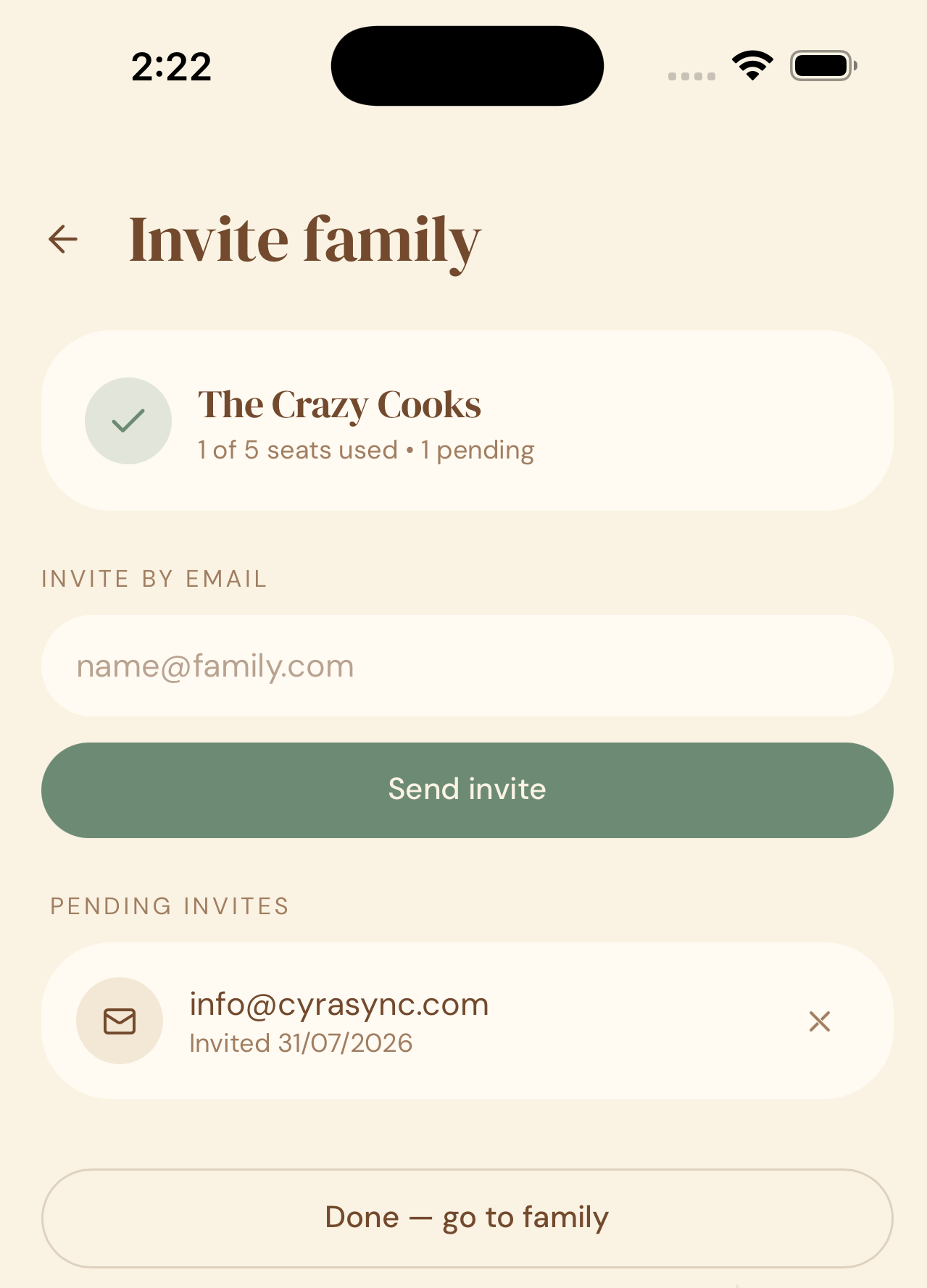
- Invite members to join your family.
- Your family member will receice an email with an invite link. If they don’t already have a Crumb account, they can sign up for a free account and then join the family.
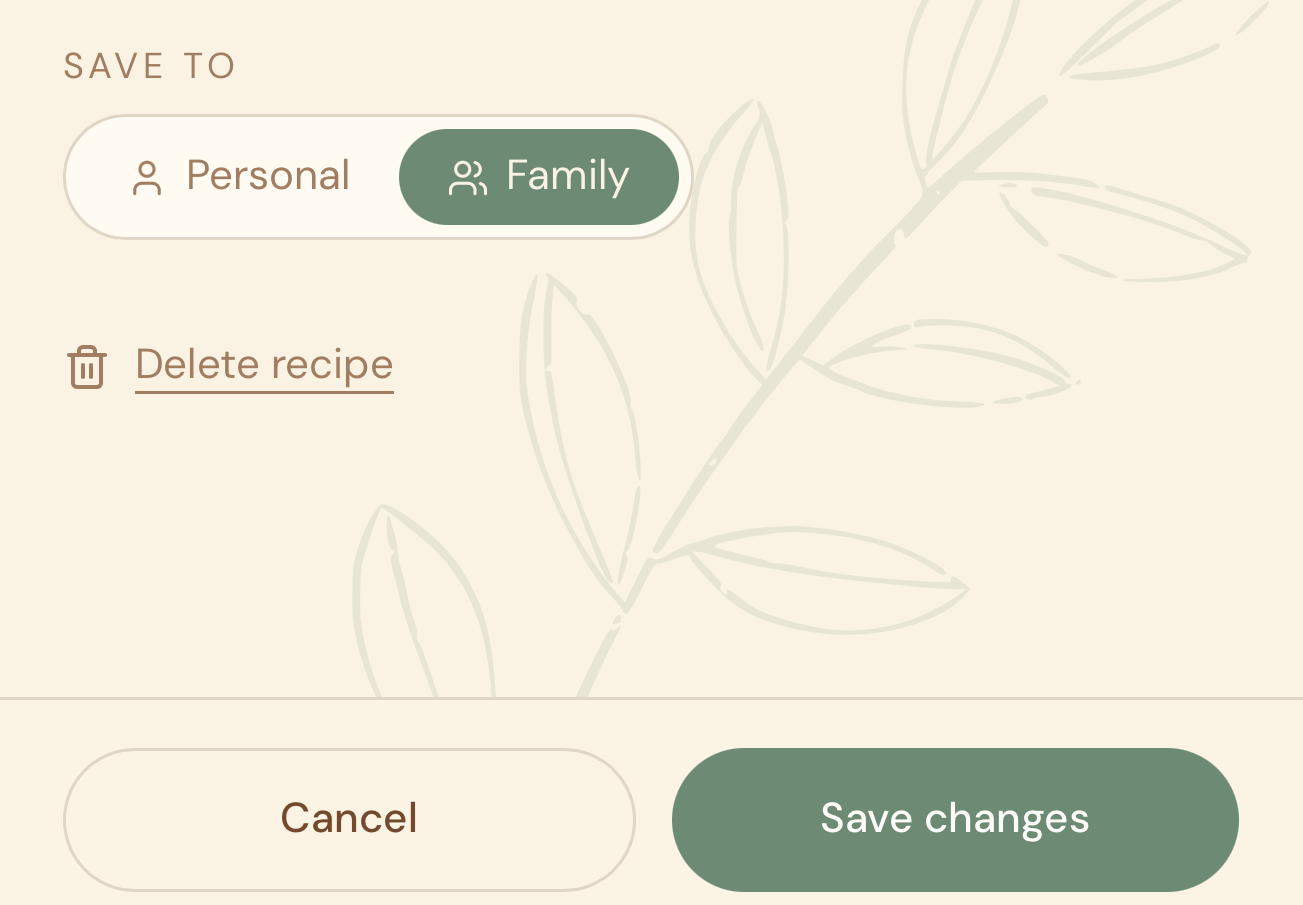
You can decide which recipes to add to your Family Cookbook or not, by setting the Save To option to Family.
Why this matters
Every family has recipes that get shared one WhatsApp message at a time and then lost in a chat thread. A shared cookbook means the whole family adds to and pulls from the same living archive — recipes that came from Mum, from Grandma, from a cousin’s wedding — all in one place, for good.
Quick tips
- You choose which of your own recipes are shared to the family cookbook — nothing is shared automatically.
- Family plan required to create a shared cookbook — see Plans & Pricing for details.
- Anyone with the invite code can join, so only share it with people you actually want in your cookbook.
- Just want to send one recipe to someone, without adding them to your whole cookbook? Share it as a one-off link instead.