How to Join a Family Cookbook
How to Join a Family Cookbook
Quick answer: Go to the Family tab, tap Join a Cookbook, and enter the invite code your family member sent you. You’ll instantly see every recipe already shared in that cookbook.
Step-by-step
- Get the invite code from whoever created the family cookbook.
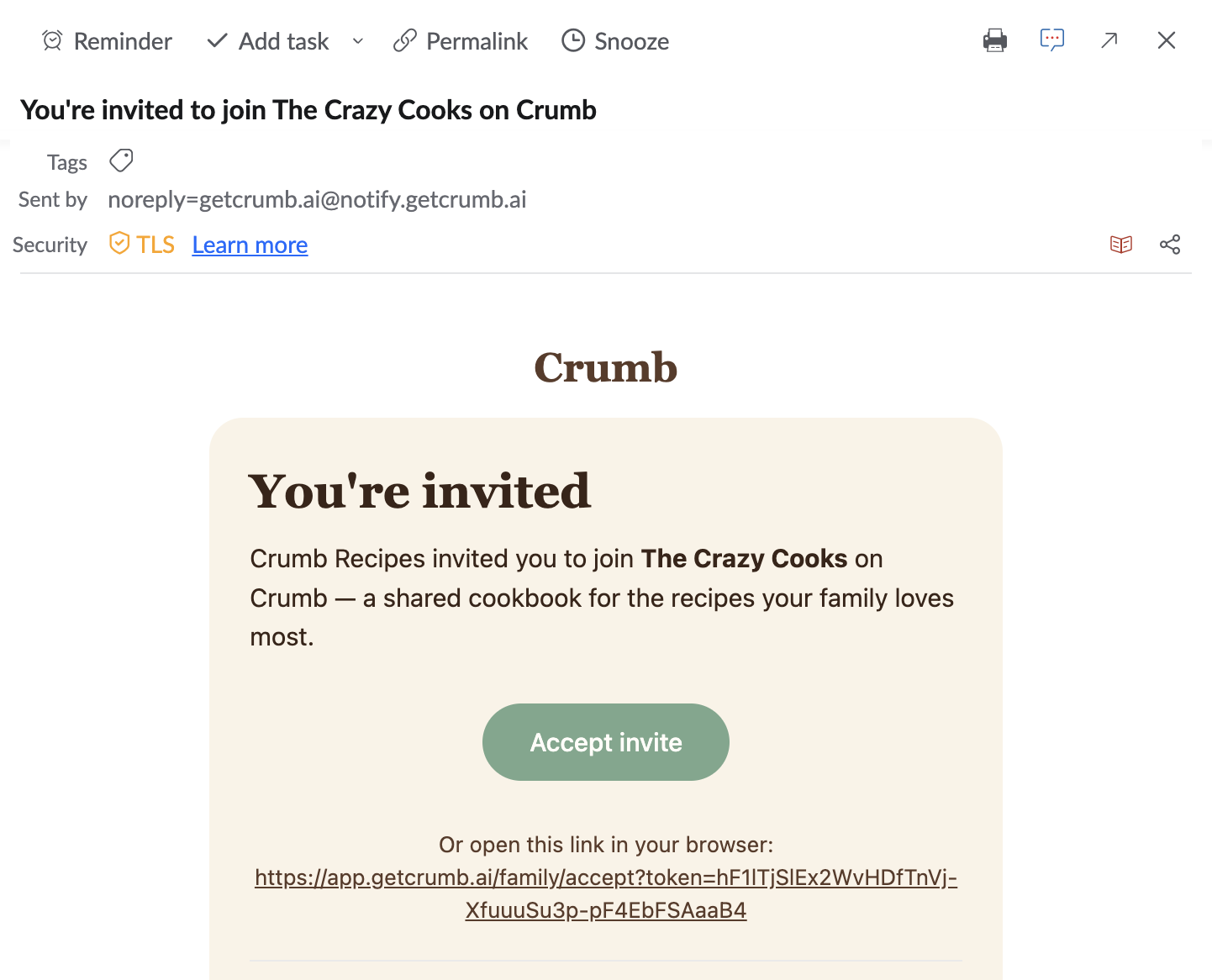
- Click Accept Invite from the email.
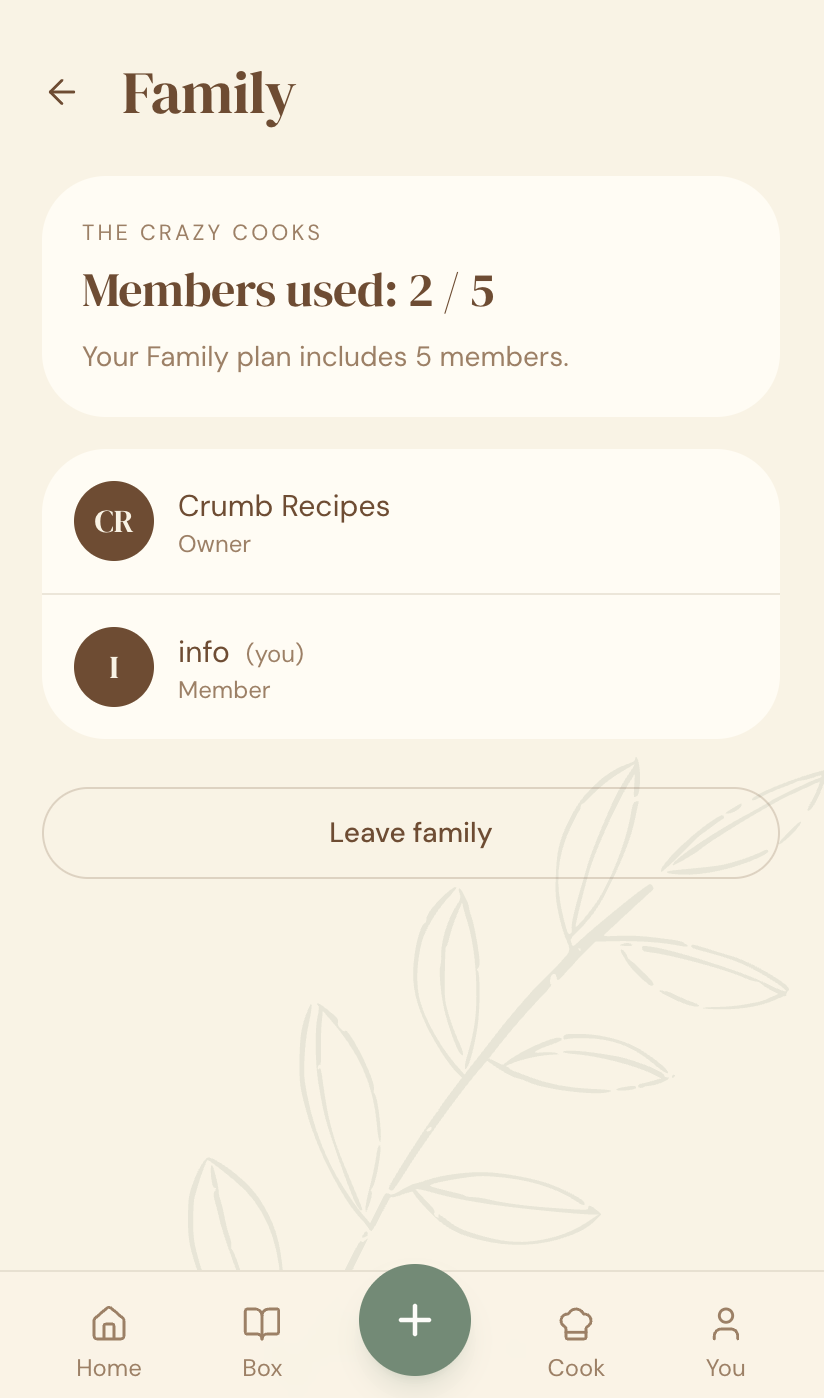
- Once you have joined, you will see the Family details and the members
- Enter the invite code.
- Tap Join.
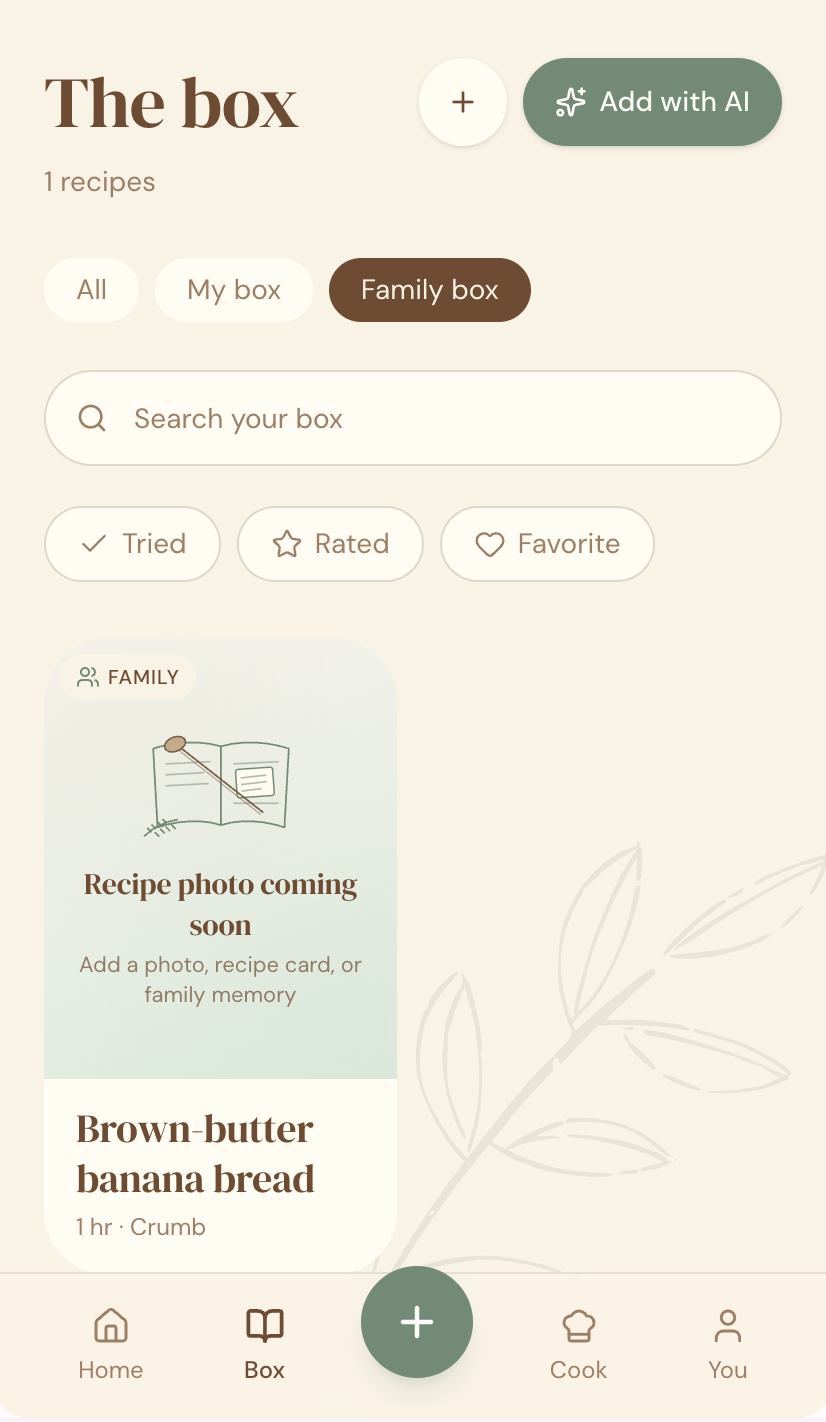
- The shared cookbook now appears alongside your personal recipe library.
Why this matters
This is how one person’s effort (usually “The Keeper” of the family) turns into something the whole family actually uses — everyone gets access without having to do any of the organizing themselves.
Quick tips
- Your personal recipe library stays separate — joining a family cookbook doesn’t merge your own private recipes into it.
- You can be part of more than one family cookbook (e.g. your own family and your partner’s).
- Don’t have an invite code? Ask whoever in your family is the recipe keeper — or create your own cookbook and invite them instead.